
Lottie Creator: Designing with Working Code
In a tool as complex as Lottie Creator, static screens can't tell you whether something is usable. So instead of writing design guides, I built working prototypes on the real product code and improved them with feedback from our main users, the motion designers inside the company.
After development, I also fix the problems found in design QA directly in the code, which cuts out rounds of back-and-forth. This is how I used code to design and validate, from Motion Tokens to the shortcut modal and the timeline cursor.
Motion Tokens
A modal that gets harder to use as tokens grow
Motion Tokens let you assign an animation's text, color, position, and other properties to tokens, then change those values in code without exporting the file again.
The first version put a fast release first, so it lacked basic management features. When the company began to focus on team users, Motion Tokens needed to get better, since they play a key part in collaboration.
Using it myself, I found these problems:
- There was no search, so a specific token was hard to find.
- The content area was narrow, so more tokens meant endless scrolling.
- The empty state offered no way to create a new token.
- There was no multi-select, so tokens had to be deleted one at a time.
- Renaming meant opening the More menu every time.
Approach
Building the table in real code instead of a design guide
Creating, searching, sorting, filtering, and multi-selecting tokens all affect each other inside one table. Showing every state in a design guide would have taken a huge number of screens, and static screens still couldn't show how the features work together.
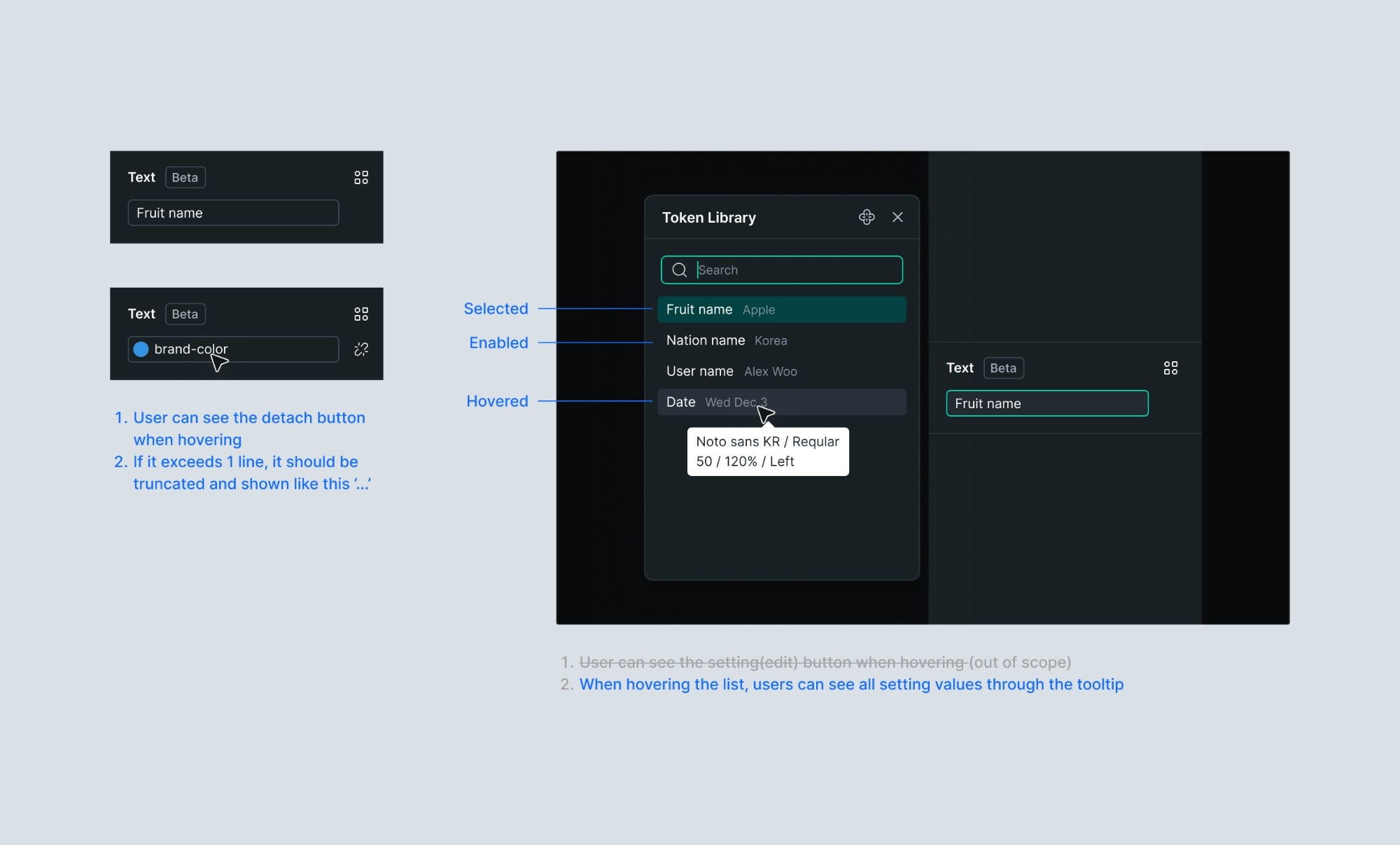
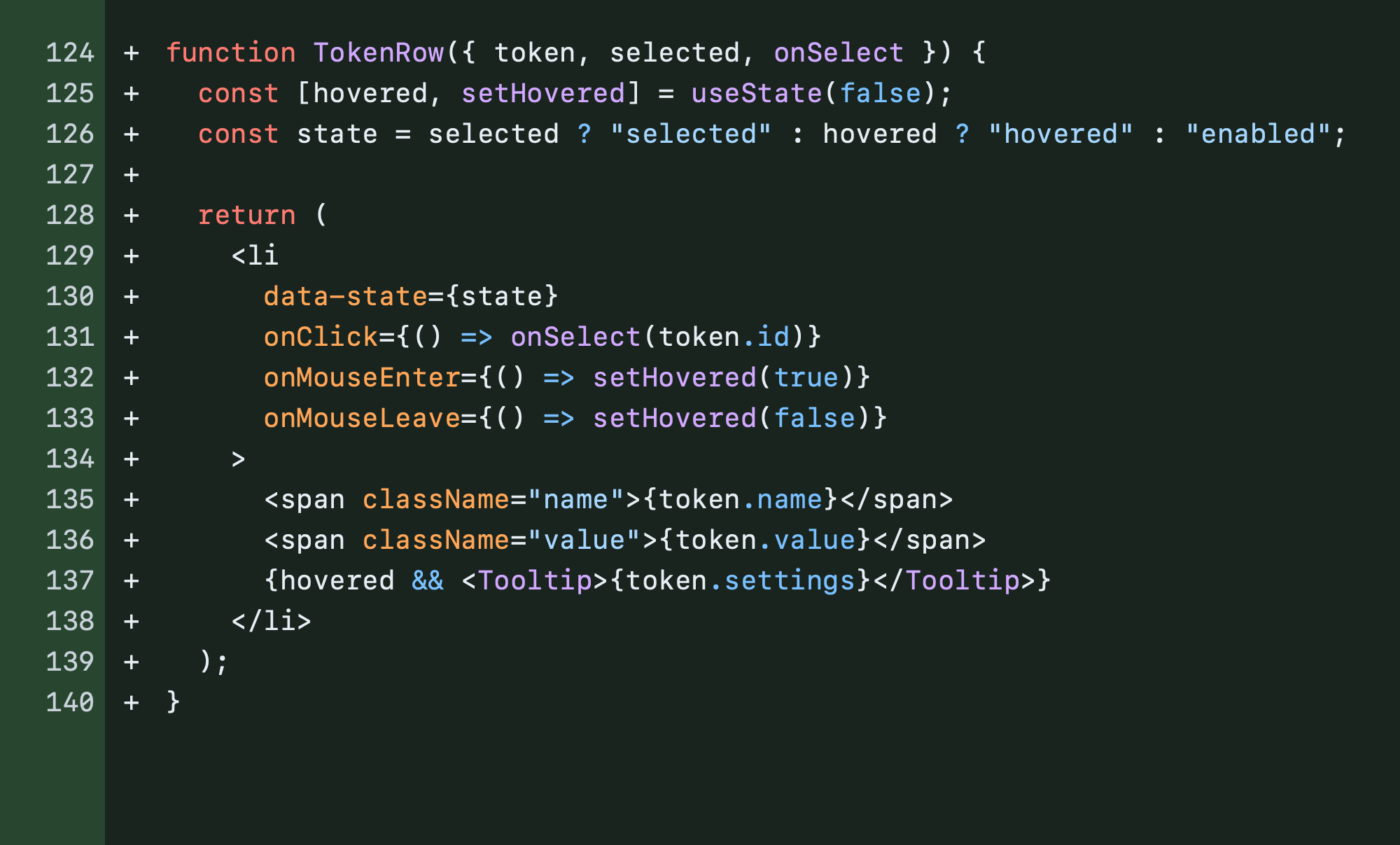
So I used AI to build a working prototype in the actual Creator codebase.
I implemented behaviors that connect several features: clicking an input cell clears the row selection, and deleting every token returns to the empty state. Instead of explaining individual screens, one link showed the entire flow.
Collaboration
Letting people use it instead of explaining it
Rather than explaining the behavior through screens and guides, I shared a link to the prototype. Our in-house motion designers and teammates tried it themselves, and I got specific feedback on the real interaction and usability instead of vague opinions.
The prototype became the reference for development
The prototype was code for validating the design, so it was never merged into the product as it was.
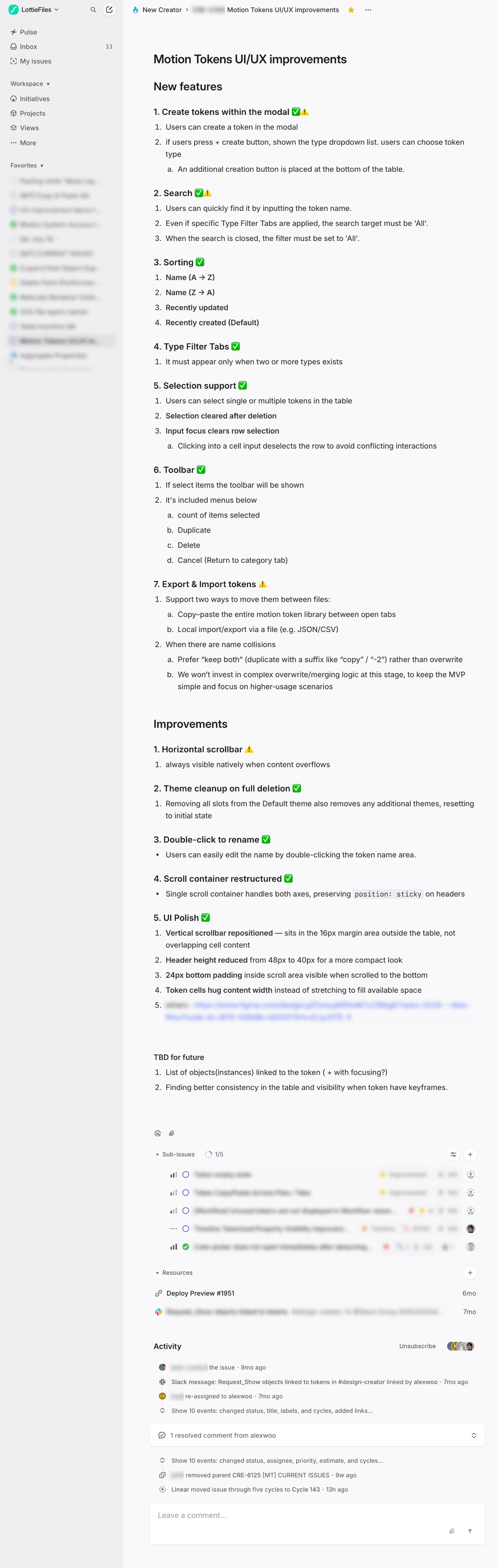
Instead, I shared the working prototype along with development tickets written from it. Developers could check how each state behaved as they built it, and the prototype became a concrete reference for the design intent.
Design QA
Cutting repetitive design QA with code
I used to mark the differences between the built screens and the design and send them to developers. Even a small spacing or style fix took rounds of feedback, sometimes more than five.
Now, once a developer has built the core functionality, I fix the problems found in design QA in the code myself and merge them. Developers can focus on features, and I polish the interaction and visual details. QA that used to take many rounds now wraps up in one or two fixes.
Code Prototypes
Interactions you have to build to judge
Beyond Motion Tokens, some work was hard to judge from static screens alone. In those cases I prototyped in code from an early stage.
Shortcut modal: validating real search behavior
In the shortcut modal, results and categories have to change in real time as you type. Whatever word people searched for, they needed to find the relevant shortcut. So I built the search myself with real shortcut data and checked how the interaction played out across a range of search terms.
Timeline: refining how the cursor feels
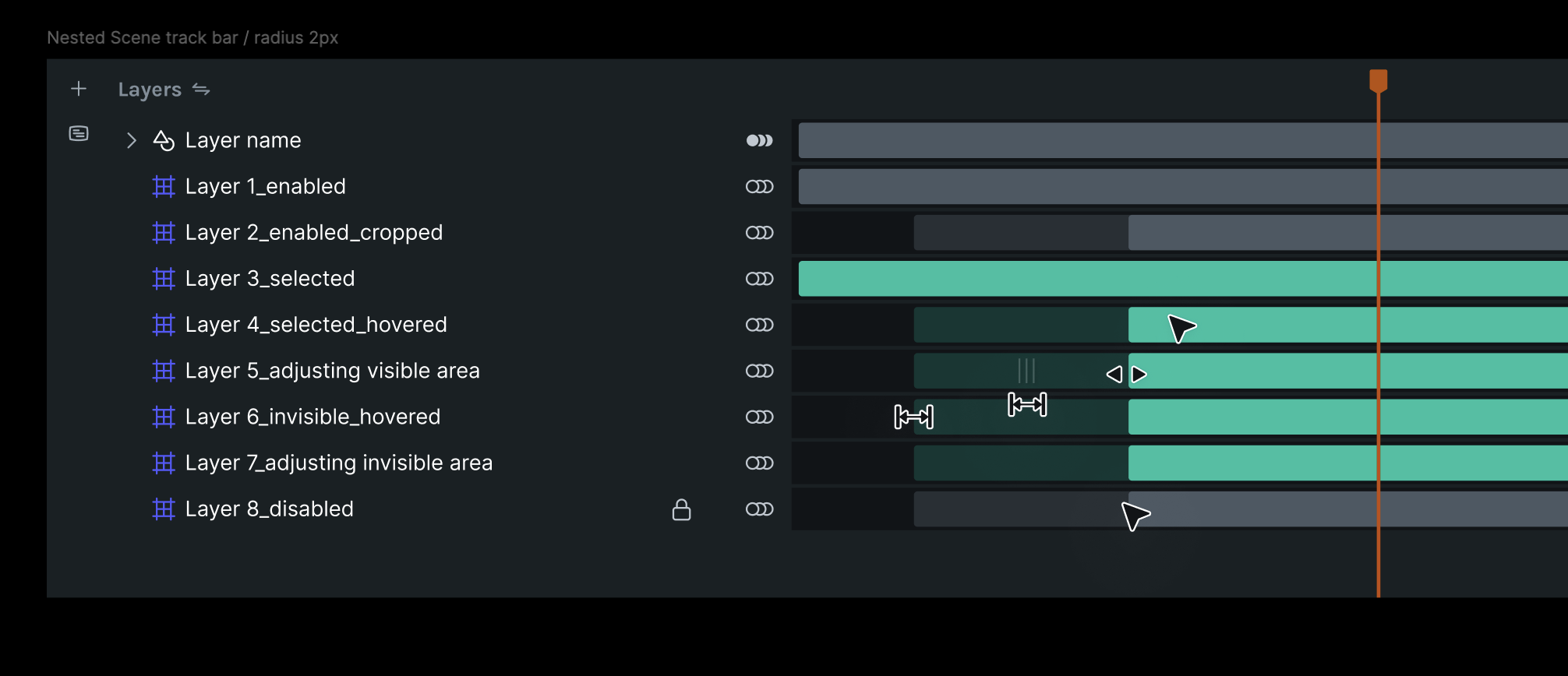
In the timeline, the cursor changes with the state of the track: its visible and hidden ranges, locked layers, and so on. It also has to respond immediately to hovering and dragging.
When a cursor should change to feel natural is hard to judge from a static guide. I dragged it myself, checked the state transitions and responses, and refined the feel.
Outcome
From prototypes to real product code
I first used code to validate designs, but now I contribute directly to the product code and documentation.
I fix small usability problems myself too, such as adjusting small text in the plugin panel or making a warning on mobile screens dismissible.
Developers supported this way of working as well. They shared a validation skill and scripts that catch code rule violations before pushing, which helped me contribute to the product code more safely.
28
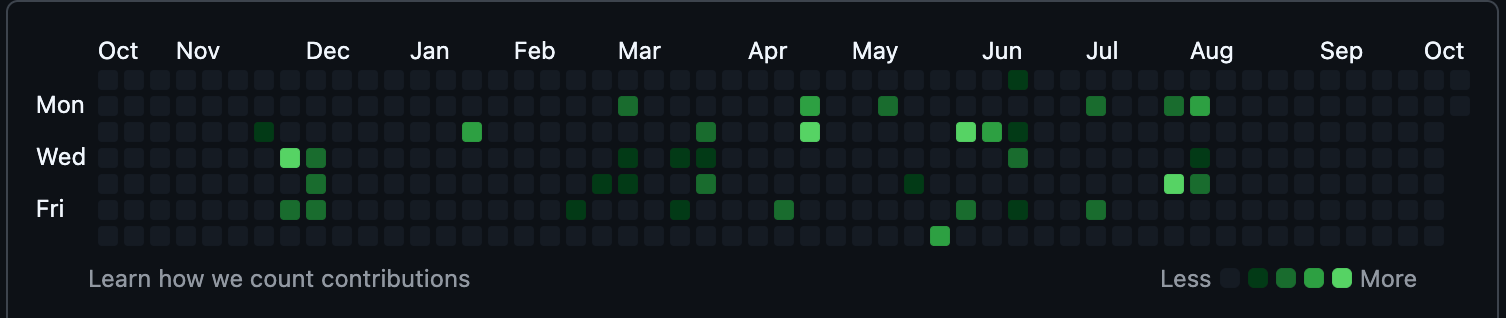
PRs I merged
Reflection
Working with code doesn't mean a designer can take over everything a developer does. But building prototypes that actually work changed how I explain and validate design.
Teammates could discuss the work from the same experience, and after development I could fix the interaction and visual details myself to raise the quality of the product.
Code is no longer the last step of carrying out a design. It's now a tool I use throughout the process of exploring, validating, and refining ideas.