ShareTalk 2.0: Crafting Interaction Details Through Prototypes
ShareTalk turns speech into live captions to help deaf people communicate. User interviews revealed the difficulties students face when using captions in class. Then, building prototypes with real interactions uncovered problems that static screens couldn't show.
Problem
Captions for everyday life, starting with students
Run by AUD, a social cooperative supported by SK, ShareTalk helps deaf people follow what others say through live captions in cafés, public offices, schools, and at events. It began as Share Typing, where people typed the captions, and moved to speech recognition with ShareTalk 1.0. Of its many personas, 2.0 focused on deaf students, who would use it every day.

Every student's hearing is different, and they attend classes and training with many people. So 2.0 had to make live captions easy to follow.

Research
Listening with a sign language interpreter
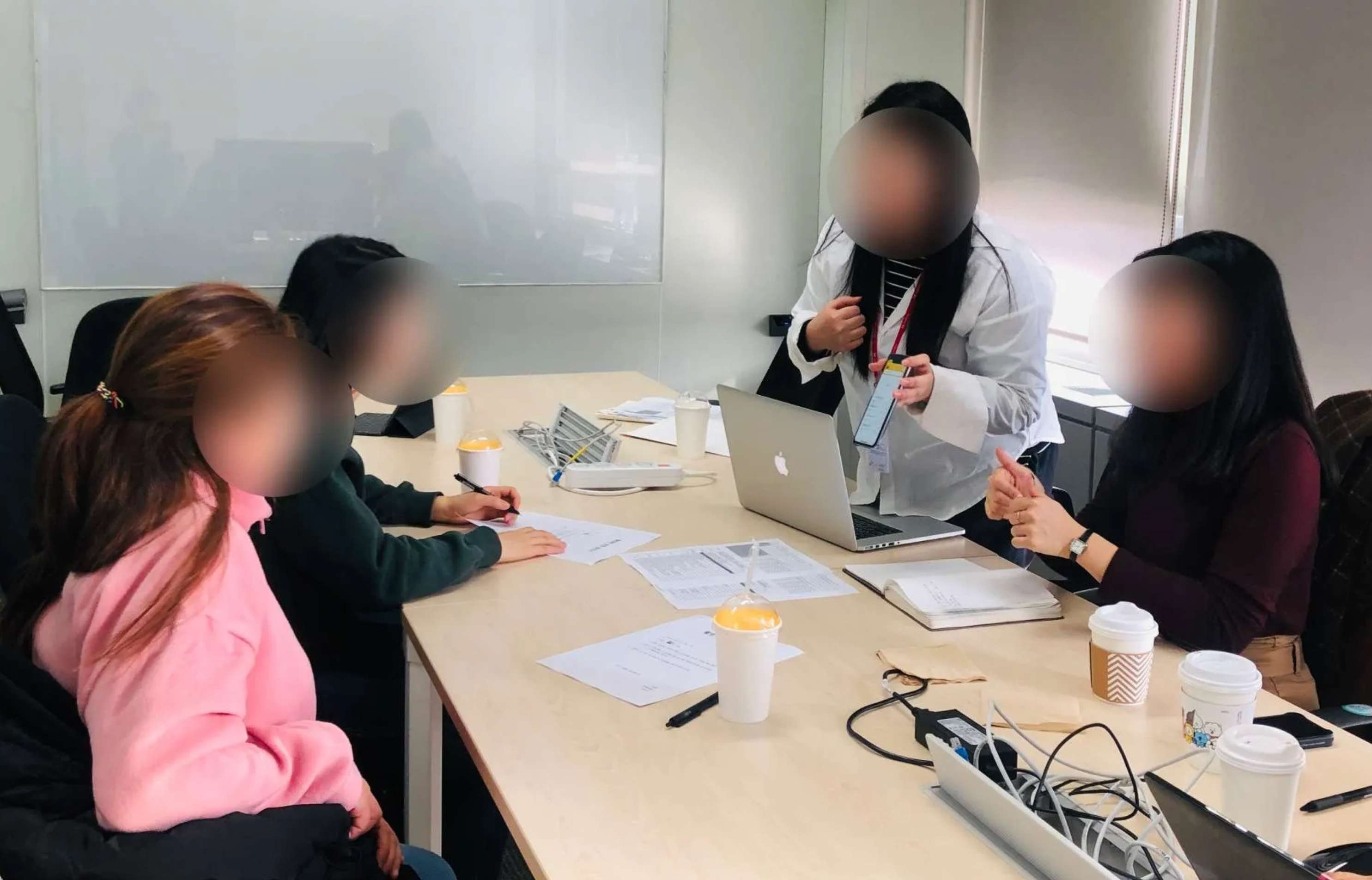
With AUD's sign language interpreter, we interviewed deaf people and those who support them, to hear what gets in their way at school and in daily life. Three needs kept coming up.
1. The need for accuracy
“Sometimes I hear ‘bat’, but the captions say ‘fart’. It’s frustrating when familiar words come out wrong, so I usually check with my friends.”
2. Reading fatigue
“Lectures matter, but I rarely go back to the transcript afterwards. Long text is hard to read and strains my eyes. I just want the key points.”
3. Fear of being left out
“Laughter and jokes don’t bother me. They help me follow what the teacher and students are talking about, and why.”
Design
Designing text that moves
I started by sketching the main screen and the chat room. But still images couldn't show how text feels as it appears while someone speaks, so we couldn't judge whether they met students' needs.
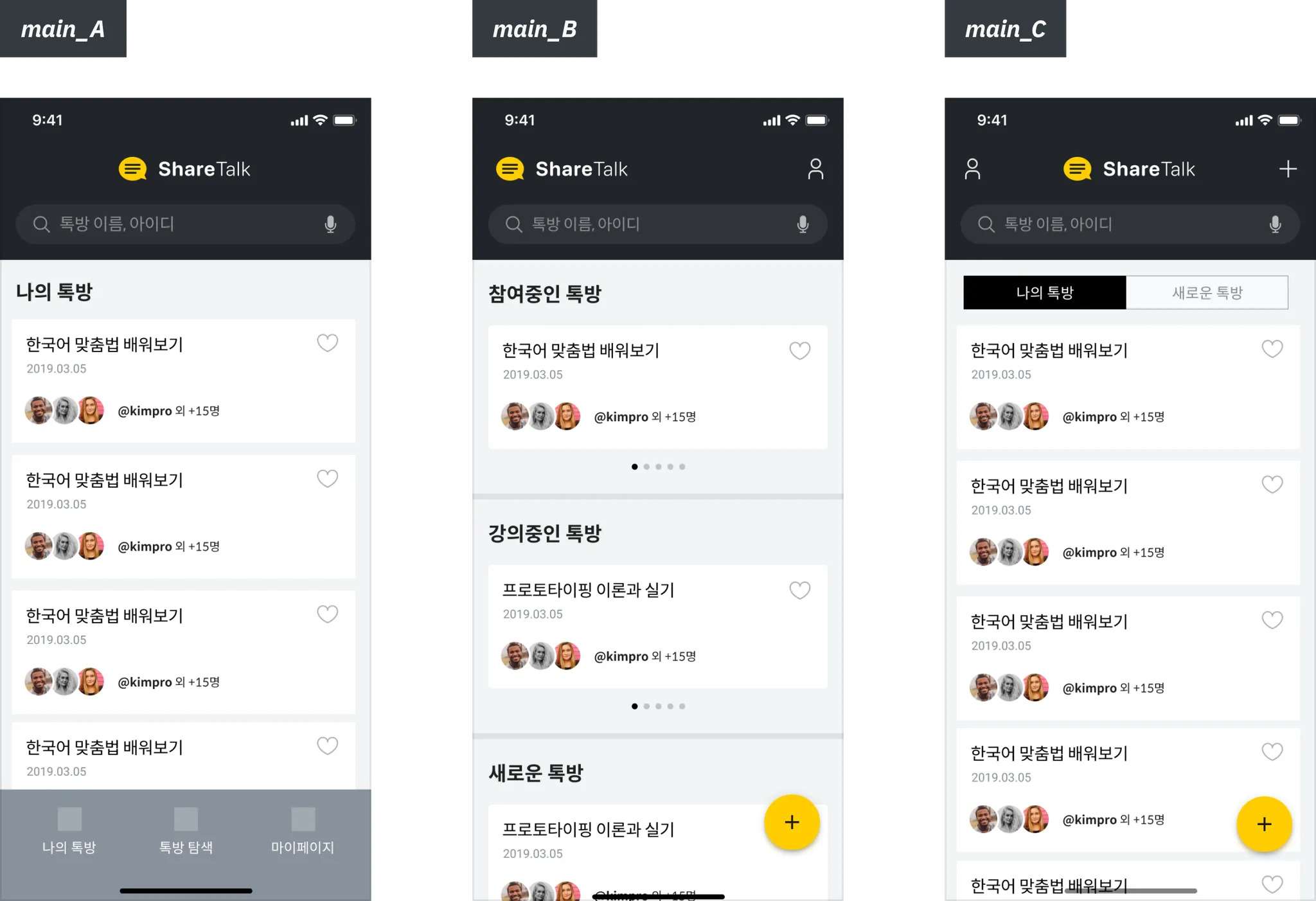
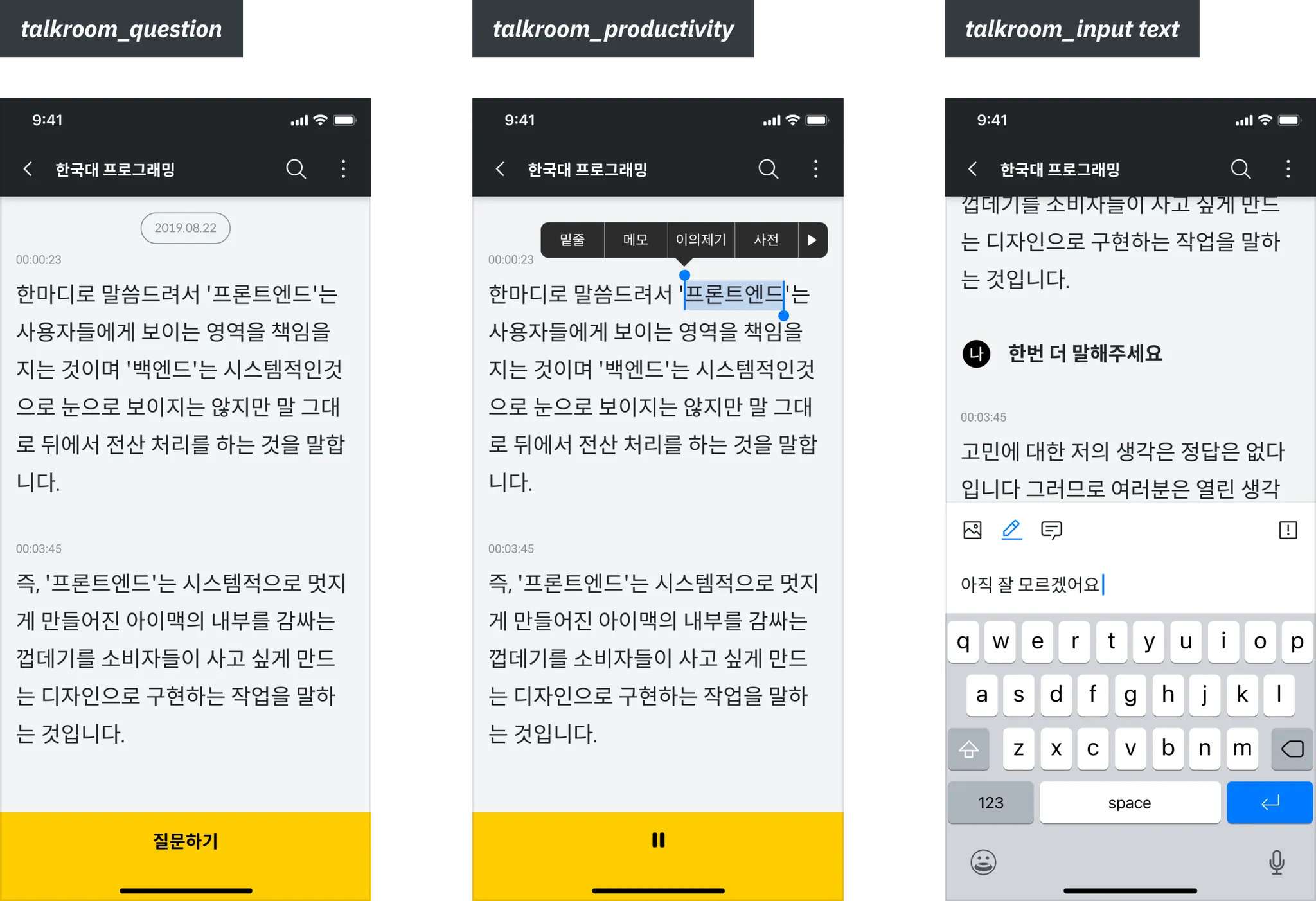
First sketches of the main screen and the chat room
So I moved to Hi-Fi prototypes and also looked at Google's Live Transcribe. Seeing the text move revealed problems no still screen could show, and each fix connects to one of the three needs.
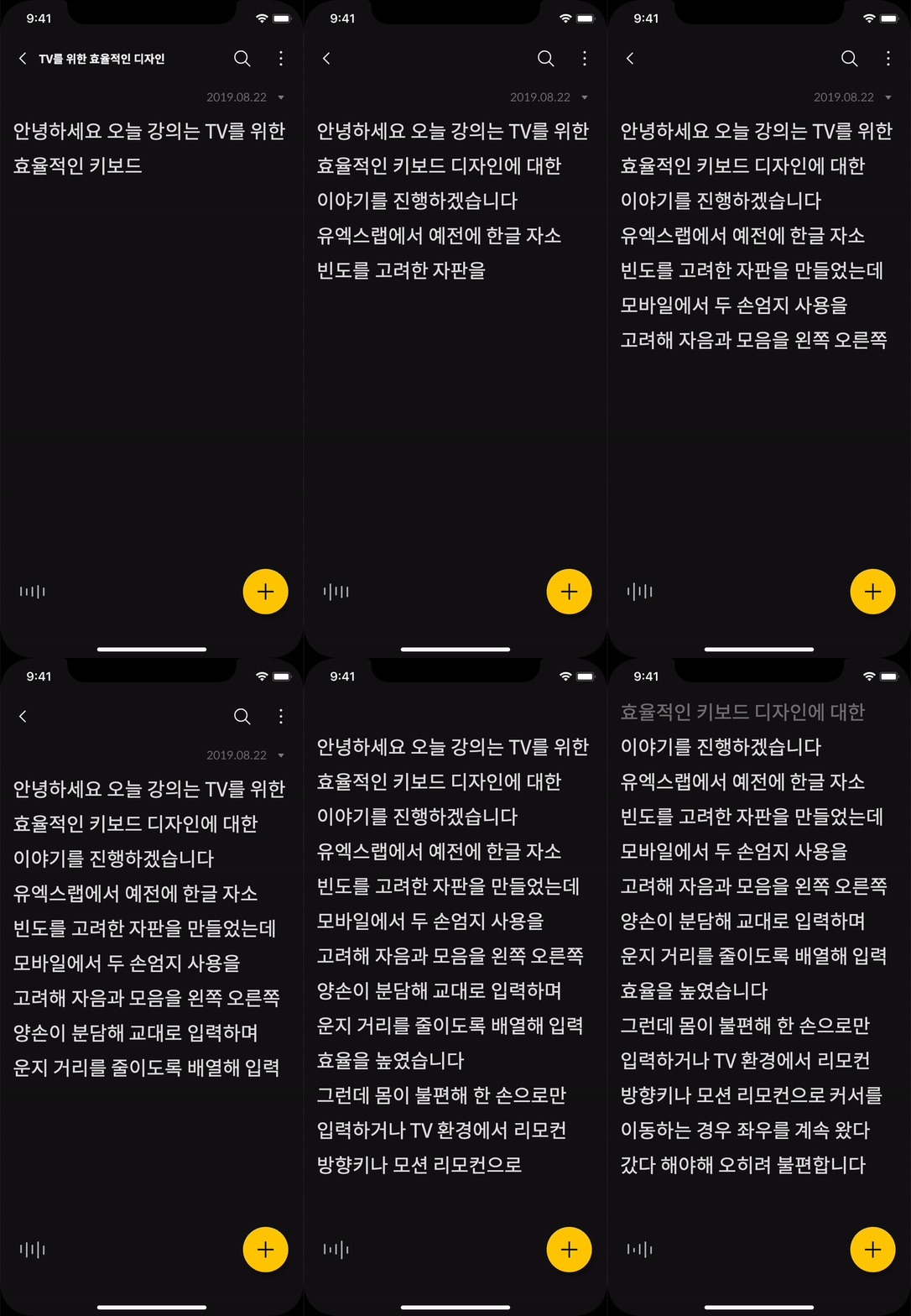
1. Accuracy you can trust
Words sharpen as they're recognized, so you can see what's still uncertain.
2. Less to read at once
Only what's being said stays on screen, with room around it, and dark mode eases eye strain.
3. Never losing your place
Even after scrolling back, a live line at the bottom keeps showing what's being said now.


A symbol that shows it's listening
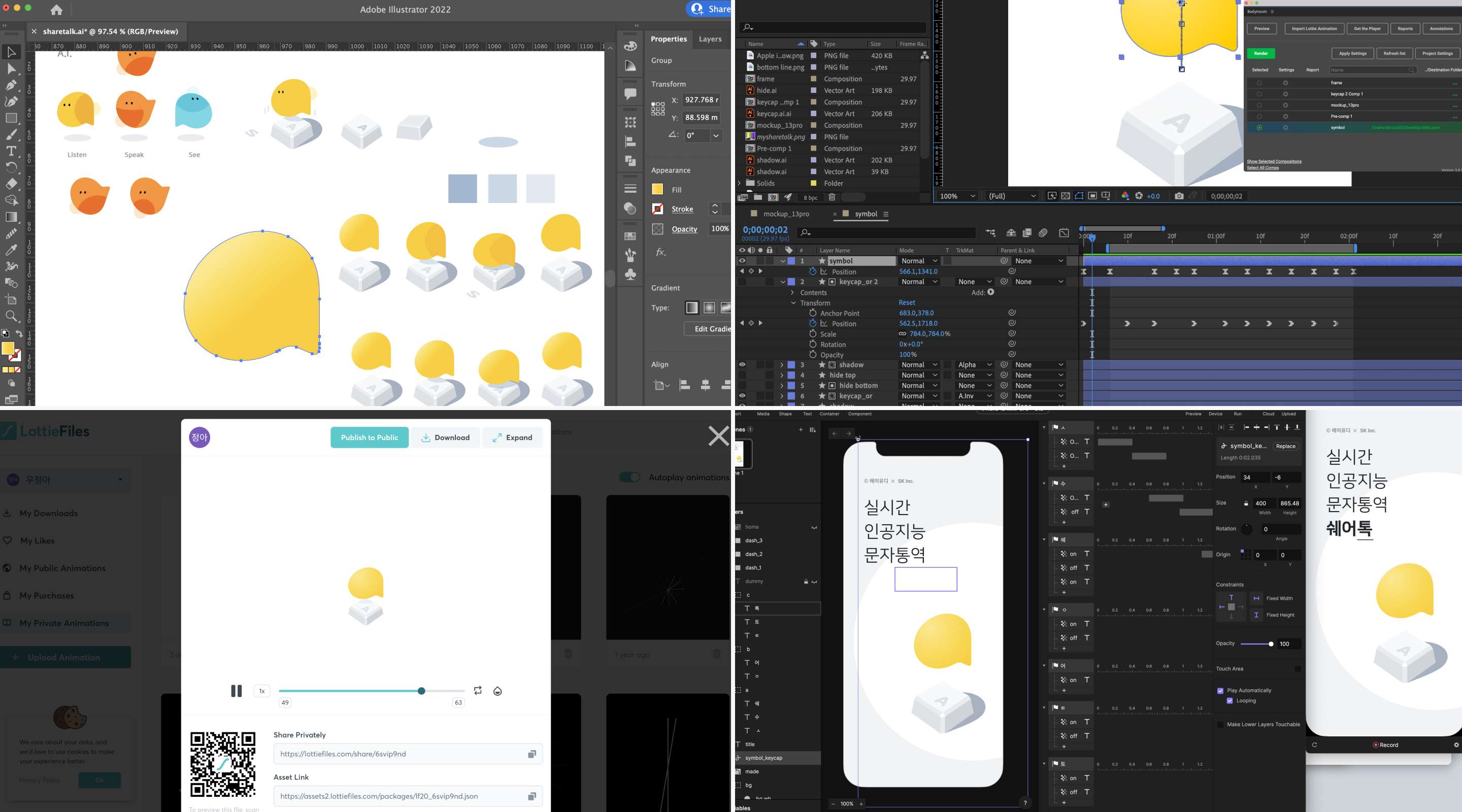
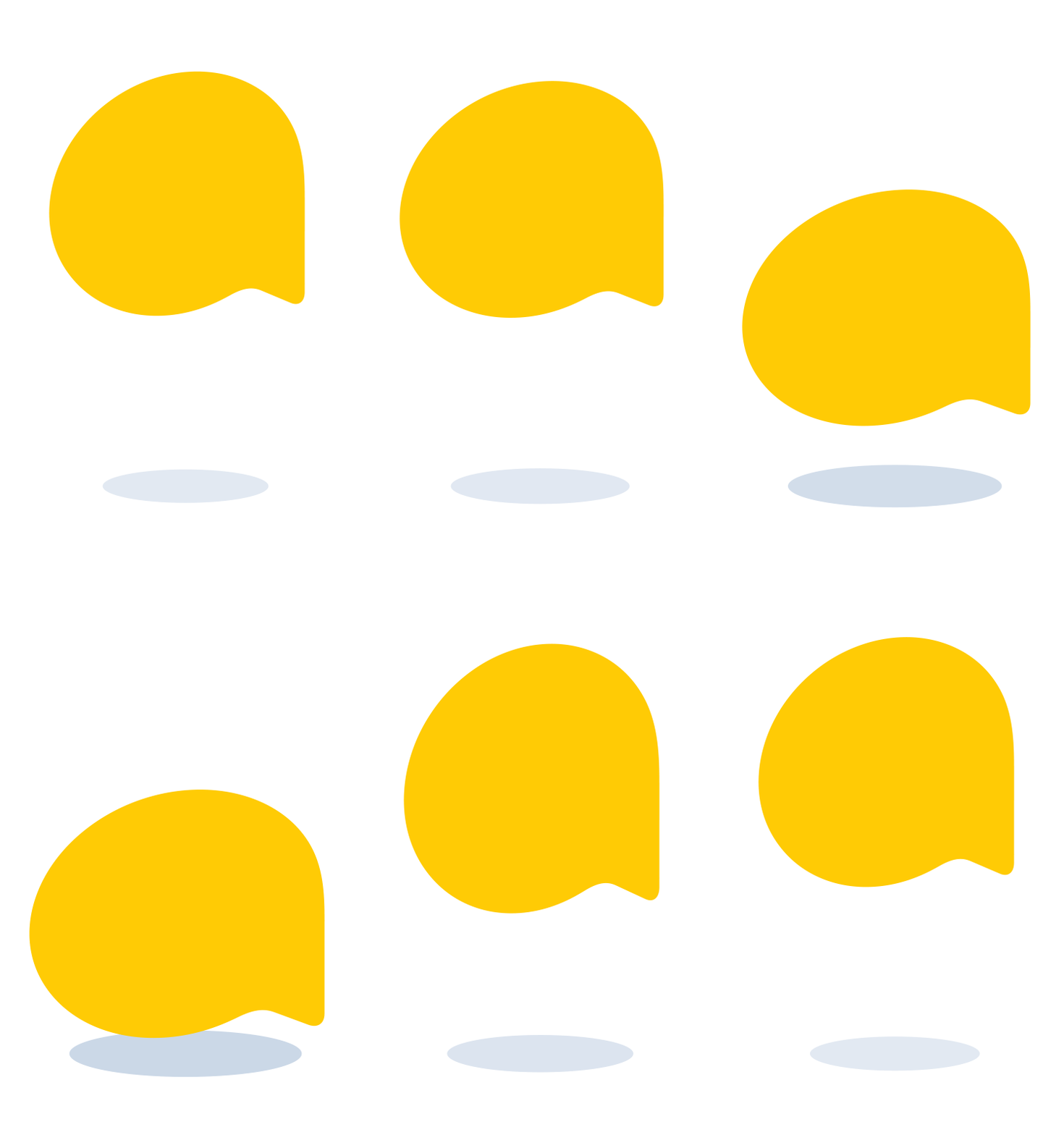
To give ShareTalk its own character, I turned AUD's symbol, an ear shape in universal-design yellow, into a 3D character that types while the AI listens. I built the motion in Lottie, which made it far lighter than frame-by-frame images.

Outcome
It stayed a concept, but the lessons remained
ShareTalk 2.0 didn't launch. A department decision ended the project before development, so we never tested the prototypes with students. Still, I shared what we learned about universal design and accessibility on SK's internal broadcast, making the case for considering a wider range of users (video).
This project taught me that design patterns we take for granted can be barriers for someone, and that a solution for one person can grow into design for many more. If I work on a similar project, I want to be sure to test the prototypes.